Selected projects

Find a range of selected projects

I build clean, responsive interfaces with empathy and precision.

4+

Years Experience

25+

Projects Completed

100%

Client Satisfaction

View Projects

Selected Projects

Projects that blend thoughtful UI, accessibility, and clean engineering. Each project can be adjusted to your needs and goals. The selected examples range from E-commerce website, landing page, Application and User experiance design.

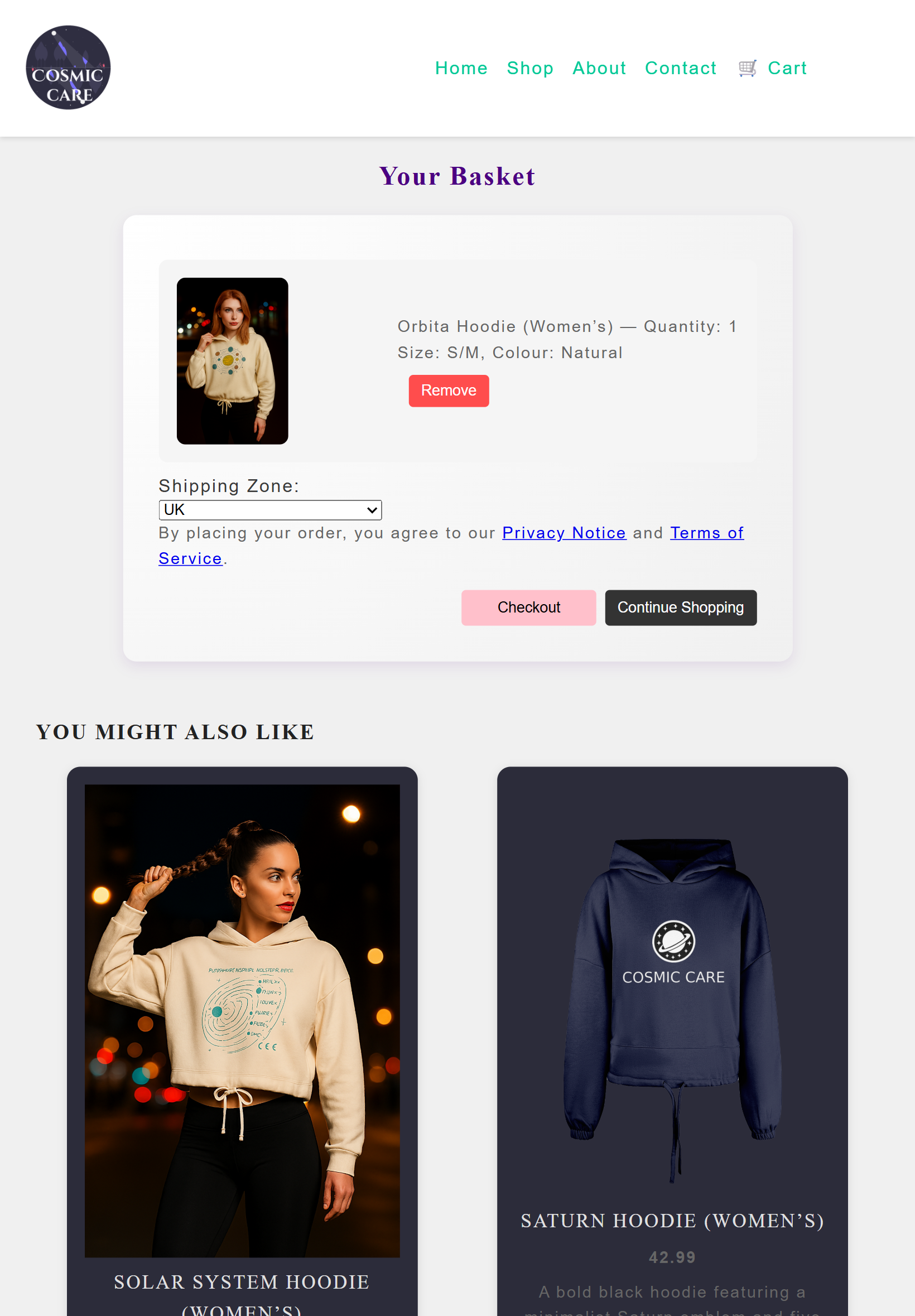
Built a full-stack wellness e‑commerce experience with React, Express, and Supabase.
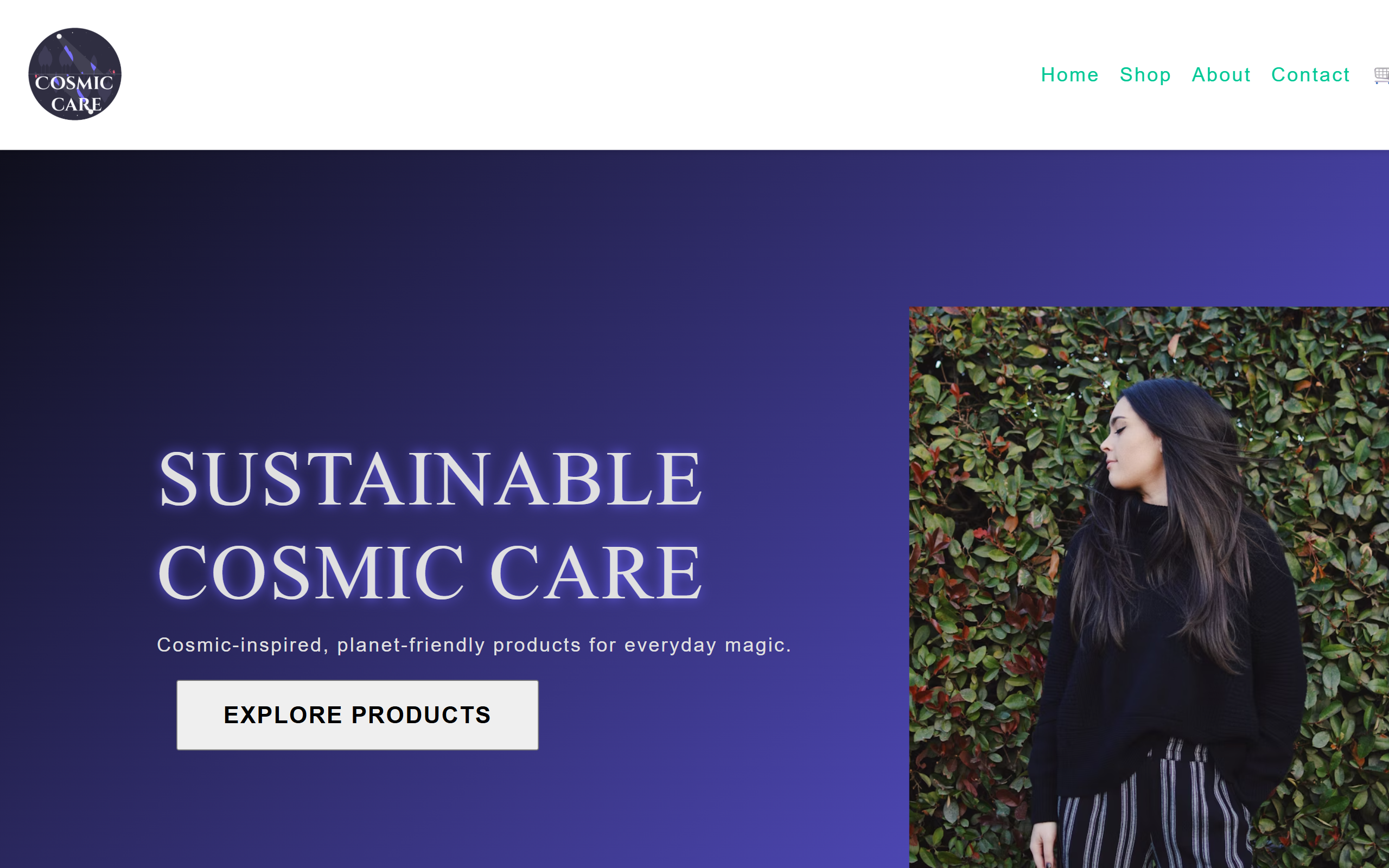
Cosmic Care preview

Cosmic Care

React.js Express.js Supabase

Wellness e‑commerce fully functional website with payment integration experience. The project focuse on calm, intuitive shopping and clear product discovery.

Project Overview

Role

Full Stack Developer

Timeline

3 months

Responsibilities

UI engineering, front-end development, responsive layout, database integration, accessibility

Case Study

A closer look at how I approached the challenge, shaped the user experience, and built the final interface — from early ideas to polished execution.

Problem

Many wellness e‑commerce platforms feel cluttered and emotionally disconnected. Users struggle to navigate, compare products, and feel supported during their journey. My challenge was to design a calm, intuitive experience that builds trust and reduces friction.

Process

Research & Insights

Analysed user frustrations, behaviour patterns, and emotional triggers in wellness shopping flows.
Design Decisions

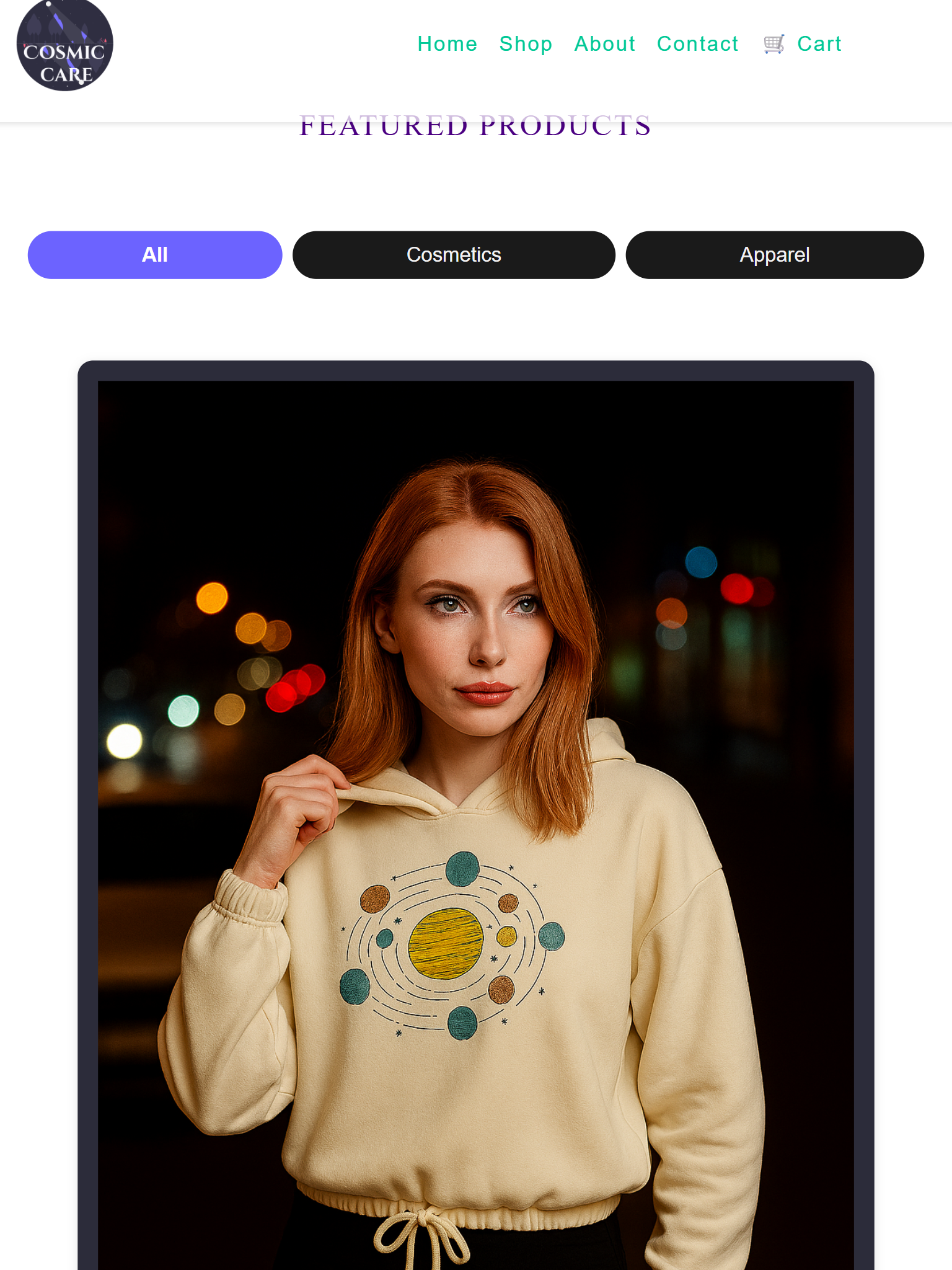
I used deep blacks, purples, and subtle gradients to evoke a cosmic calm. The interface prioritises clarity, emotional connection, and frictionless navigation.

Outcome & Lessons Learned

The final product delivers a tranquil, focused experience. I strengthened my accessibility approach, improved React state management, and refined reusable UI component patterns.
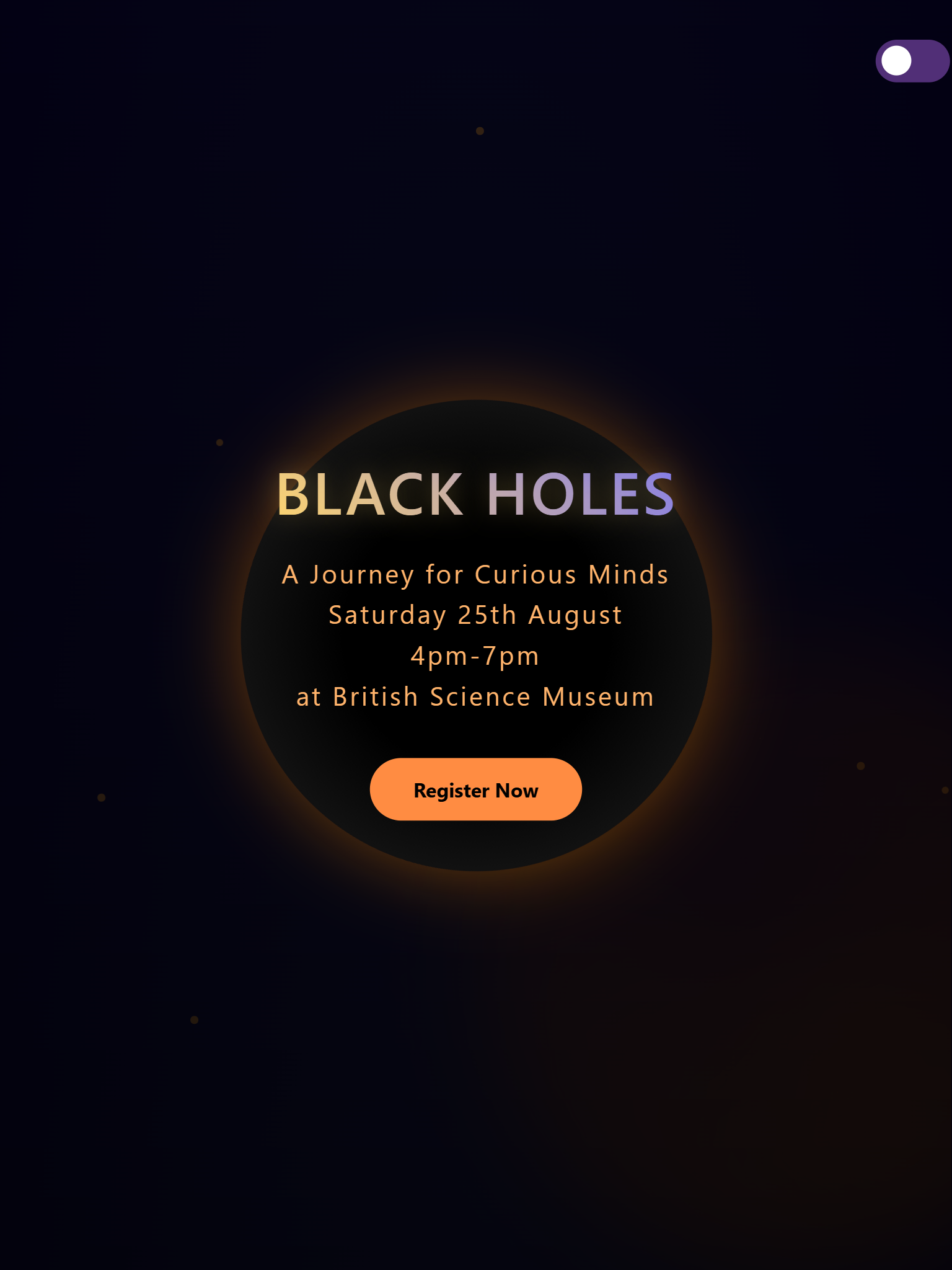
Built a landing page with HTML, CSS, JavaScript

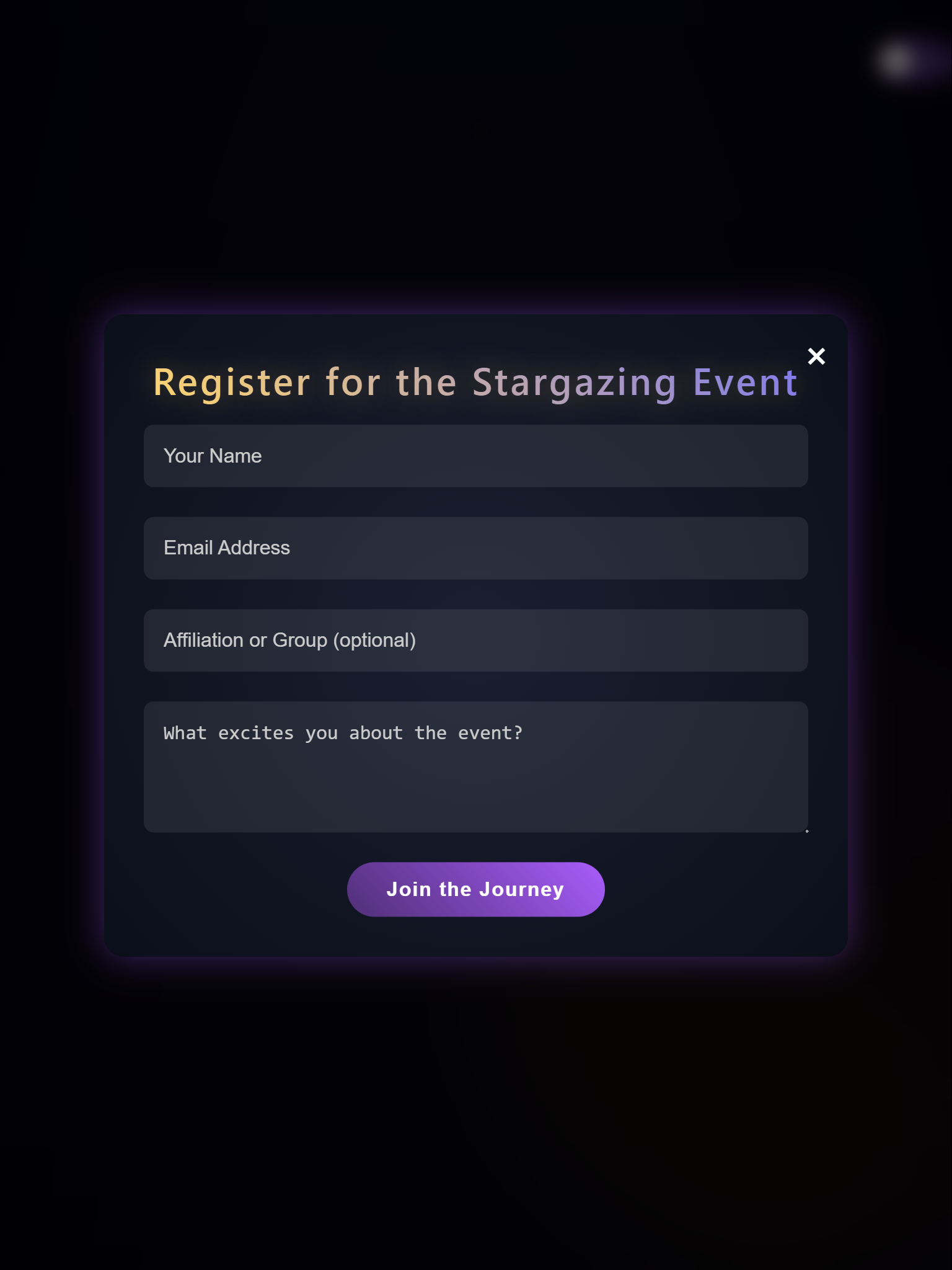
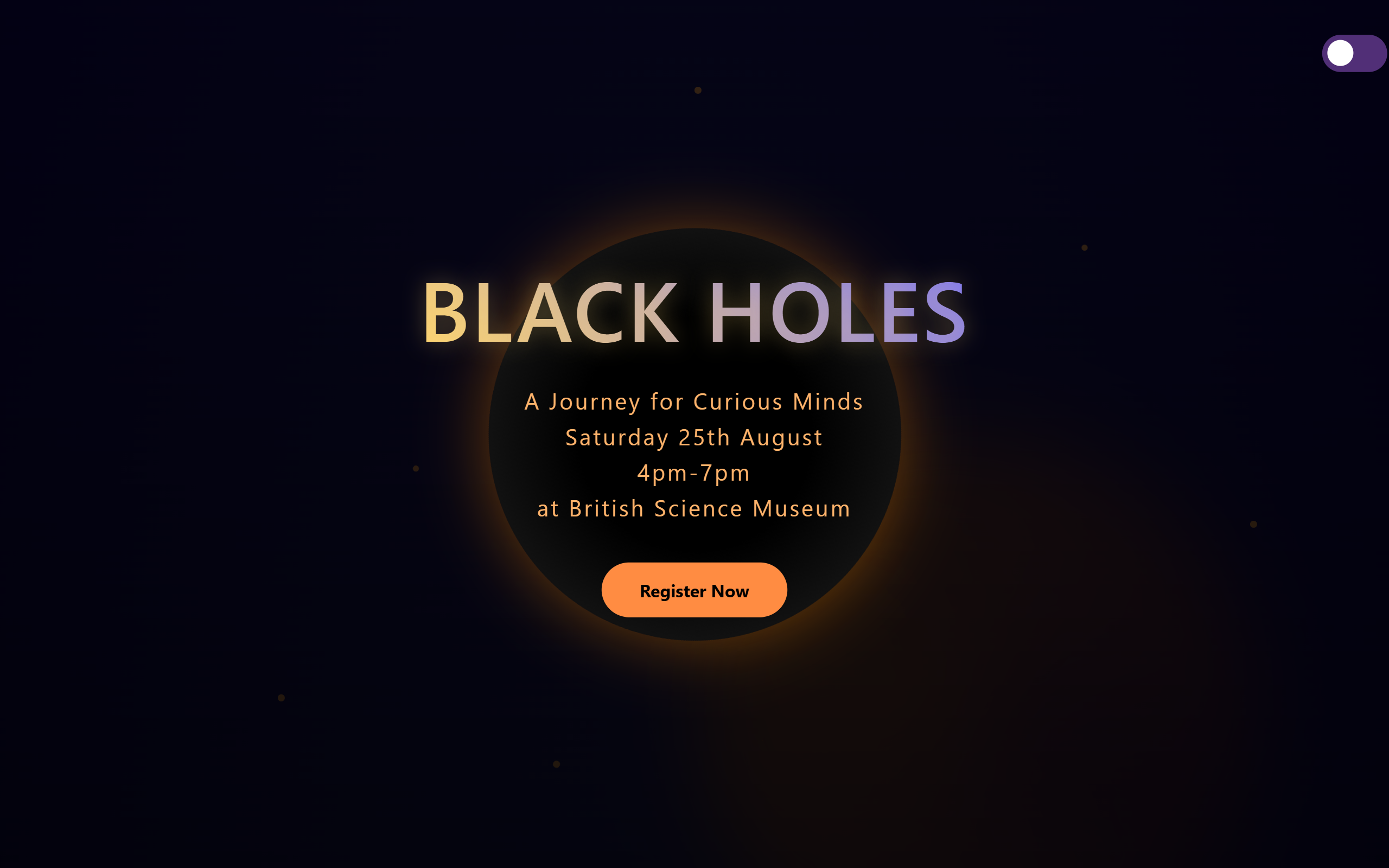
Black hole landing page overview

Black Hole Event

HTML, CSS, JavaScript, Animations

Immersive marketing landing page of Black Hole event build for British Science Museum to attract more user subscription.

Project Overview

Role

Front End Developer

Timeline

1 months

Responsibilities

UI engineering, front-end development, responsive layout, interaction design

Case Study

The London Museum of Science launched a thrilling new astronomy event and wanted a digital experience that felt magical. The museum needed a landing page that didn’t just inform, but pulled visitors to engagement. Something immersive, atmospheric, and family‑friendly. Their goal was to increase awareness, attract families, and encourage sign‑ups for the event.

Problem

Their existing website announcements weren’t capturing attention — visitors were scrolling past without feeling the excitement. The museum wanted something more immersive — a visually striking, interactive experience that would spark curiosity and encourage visitors to explore further.

Process

Research & Insights

Before designing the landing page, I explored how museums and science institutions typically present special events online. Many rely on static banners, long text blocks, or generic hero images that fail to create emotional engagement. This helped me identify several key insights:

  • Users respond strongly to visual storytelling
  • Museum websites often feel informational, not inspirational
  • Interactive elements increase engagement and conversions
  • The event theme should shape the entire experience

Design Decisions

Instead of a static banner, I used motion to create an immediate sense of immersion. The swirling black hole animation acts as a visual anchor, pulling users into the experience and encouraging them to scroll.

Outcome & Lessons Learned

The final landing page successfully delivers an immersive, astronomy‑themed experience that captures users’ attention within the first few seconds. The dynamic black‑hole animation, combined with clear messaging and scroll‑triggered interactions, creates a sense of curiosity and excitement that aligns with the museum’s event. The design communicates key information quickly, making it easy for families to understand what the event is about and how to subscribe.

Built a Food we alplication with React, JavaScript

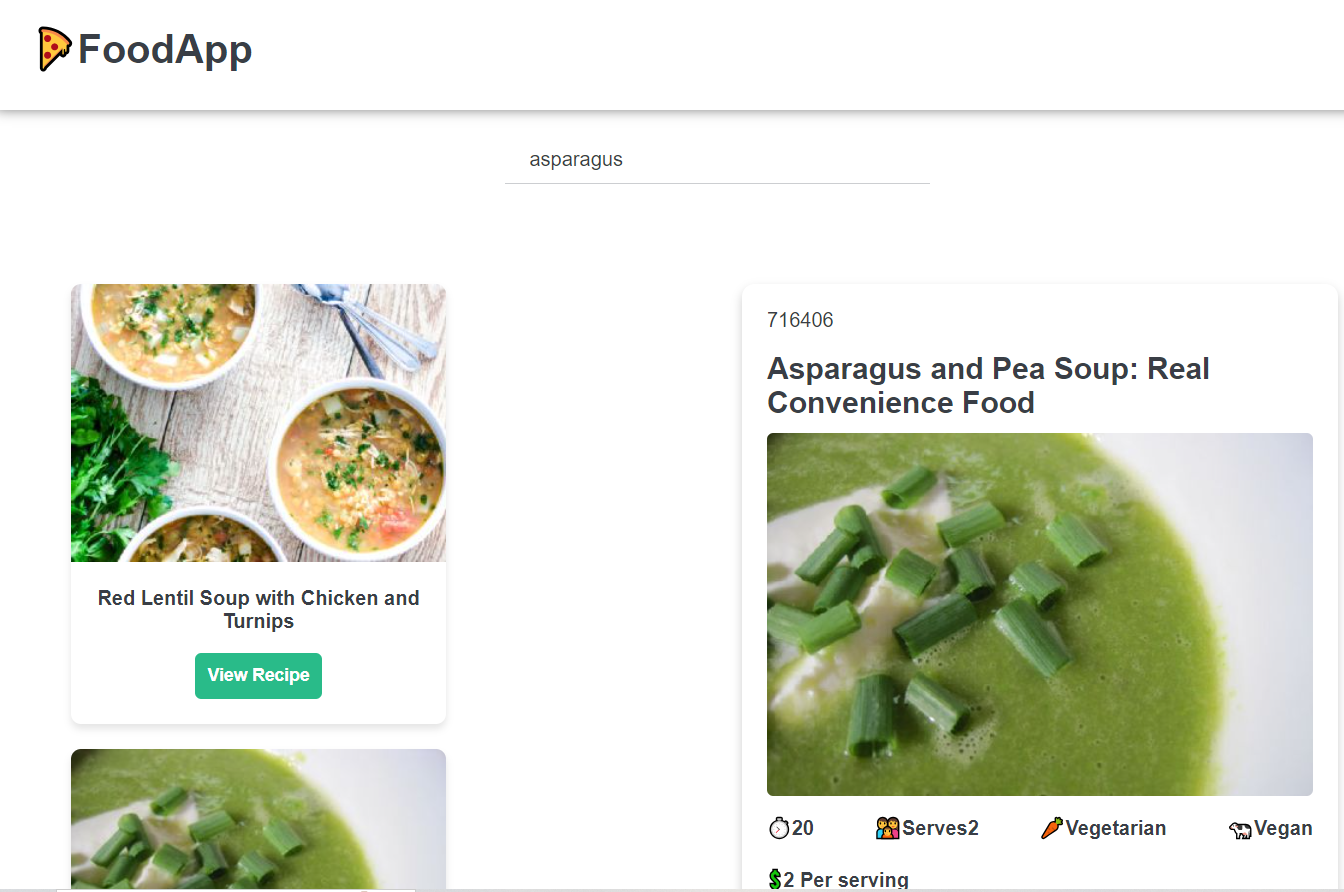
Food app overview

Food Web Application

React, JavaScript, GitHub

Mobile‑first food discovery app with clean navigation and responsive layout.

Project Overview

Role

Full Stack Developer

Timeline

1 months

Responsibilities

UI engineering, front-end development, responsive layout.

Case Study

Busy families often struggle to cook healthy meals. The goal of this project was to design a simple, intuitive recipe‑search experience that helps users quickly discover meals based on their preferences.

Problem

Many households have different dietary needs or want to exclude certain ingredients. The problem was to create a simple, intuitive way for users to discover recipes that match their preferences, dietary restrictions, and available ingredients.

Process

Research & Insights

While explored how people search for recipes, I focused on the needs of busy families and professionals who want quick, healthy meal ideas without spending too much time searching or planning.This helped me identify several key insights:

  • Users lack time and inspiration
  • Dietary needs vary across households
  • Ingredient‑based search is highly valuable
  • Existing recipe platforms can feel overwhelming

Design Decisions

The design of the Food Web App was shaped by the needs of busy families and professionals who want quick, healthy meal ideas without navigating overwhelming interfaces.

Outcome & Lessons Learned

The Food Web App successfully delivers a simple, intuitive way for users to discover recipes that match their dietary needs, ingredient preferences, and available time. By combining a clean layout with powerful filtering options, the app helps busy families and professionals find healthy meal ideas quickly — without the clutter and overwhelm of traditional recipe websites.

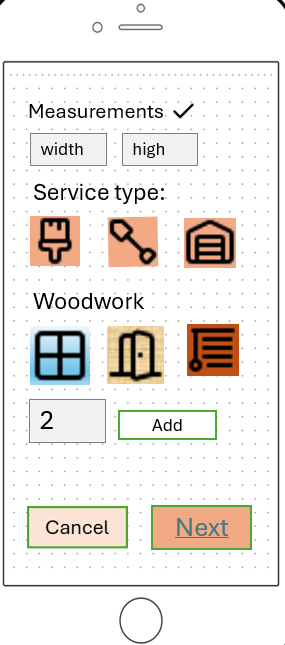
Built a Prototype for service quote calculator with Figma

Service calculator preview

Service Calculator

Storyboards PowerPoint Figma

Low to mid-fidelity prototype build with PowerPoint for service quote calculatorion within the construction start up company.

The prototype follow User-centered design with one iteration to produce a technical design solution for further evaluations.

Current prototype strenghts:

  • Mobile-first flow
  • Step-by-step structure
  • Minimal inputs
  • Automatic measurements and calculations
  • Clear hierarchy and industry terminology

Project Overview

Role

Interaction Designer & UX

Timeline

6 months

Responsibilities

Research, Methods, Requirements, Storyboards, Prototype

Case Study

A small construction business needed a fast, reliable way to generate service quotes while working on the move. Manual calculations were slow and inconsistent, reducing client trust. This project explores a simple, mobile‑friendly solution that supports quick, transparent quoting during site visits.

Problem

The business owner manages all operations alone and has little time for manual calculations. Slow quoting leads to delays, inconsistent pricing, and lost client trust. A faster, more accurate solution was needed.

Process

Research & Insights

This project followed an iterative, user‑centred design approach: research → insights → prototype → feedback → refinement.

  • Context exploration
  • Understanding user environment
  • Observing real workflow
  • Identifying pain points

Design Decisions

The design prioritises quick, simple actions because the business owner works on site... Mobile-first flow: Designed for quick use during site visits. Step-by-step structure: Mirrors how contractors naturally assess jobs. Minimal input: Automatic measurements, simple selectors. Clear hierarchy: Large headings and spacing for fast scanning. Real-world terminology: Uses language contractors already use. Review screen: Builds trust and reduces errors.

Outcome & Lessons Learned

The final prototype delivers a clear, mobile‑friendly quoting flow that supports fast, on‑site use. It simplifies the contractor’s process, reduces manual input, and provides a structured way to capture essential details. The project strengthened my ability to translate real‑world workflows into intuitive digital interactions and helped me refine my approach to designing simple, efficient mobile experiences.

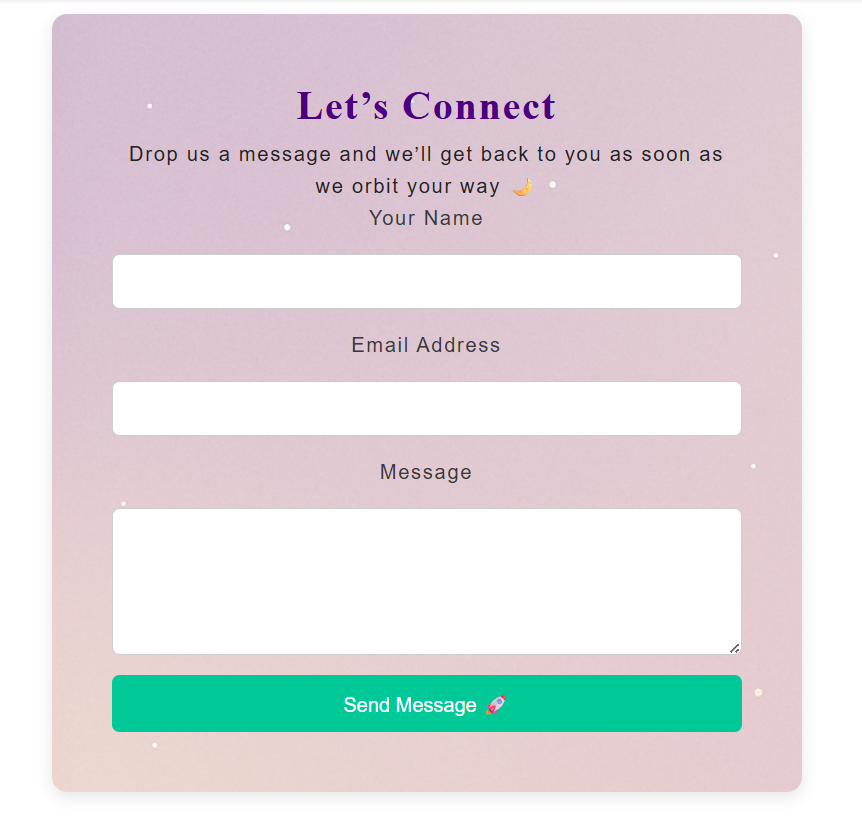
Let`s connect

Get in touch and let`s connect something great!

Download Resume

D&G Home Improvement

Here is what a client says about collaborating with me to design a service quote calculator that supported the launch of their newly established business.

T. Georgiev profile image

T. Georgiev — Founder & Managing Director at G&D Home Improvement

“Petya created a tool that quickly became essential to my business. It saves me time, increases client bookings, and helped me keep up with the competition. We’re continuing our collaboration, because her work truly makes a difference”